
Image to 3D Model AI Free Online Guide (2026)
Learn how free online image to 3D AI works in 2026: photo prep rules, public GPU queues vs hosted Trellis 2 runs, GLB preview vs STL export, and print checks.
TL;DR · Direct Answer (Verified 2026-11-25)
STL $14.90 · Maker $39 · Plus $49 (1,700 cr)In 2026, test any single photo in the free no-sign-up 3D queue or inspect local STL meshes at 0 credits on photo3d.org. Day-1 Google sign-in includes 10 credits for a real Hunyuan 3D Rapid Fast run; unlock native GLB & printable STL downloads with pay-once packs: $14.90 STL (200 cr), $39 Maker (1,600 cr), or $49 Plus (1,700 cr / 365 days).
Inspect a 3D Mesh, Compare Pay-Once Cost, or Test Your Photo
Spin 4 built-in 3D presets or drop a local .stl for instant print-time, wall-thickness, and Shopify GLB checks — then switch tabs to compare pay-once packs vs subscriptions.
Live Slicer & Web AR Preflight
Mesh & Print-Readiness Inspector
- Triangles
- 14,820
- Bounding Box
- 72×62×120 mm
- Est. Print Time
- 17h 42m
- Material & Cost
- 71 g · $1.56
One-Time vs Subscription Cost Calculator (2026)
Photo3D Pay-Once Packs vs Meshy & Tripo Monthly Plans
1. Hosted 3D Engine Lane
2. Total 3D Models Needed
3. Project Span (Months)
Exact Live Pack Ladder
- • STL Pack: $14.90 · 200 cr (30d)
- • Maker Pack: $39 · 1,600 cr (90d)
- • Plus Pack: $49 · 1,700 cr (365d)
- Credits required:
- 480 cr (pack fits up to 3)
- Meshy Pro ($20/mo × 6m):
- $120
- Tripo Pro ($19.90/mo × 6m):
- $119.40
- Est. savings vs monthly:
- Save $100.01
Includes 0-credit local GLB→STL conversion, mm scaling, and failed-run credit protection. Confirm competitor stickers live.
Image to 3D Model AI Free Online Guide (2026)
Output
Active queue IDs stay in this browser until the job finishes or expires.
No queued output yet
Start a public queue job. The result appears here by itself when the model finishes.
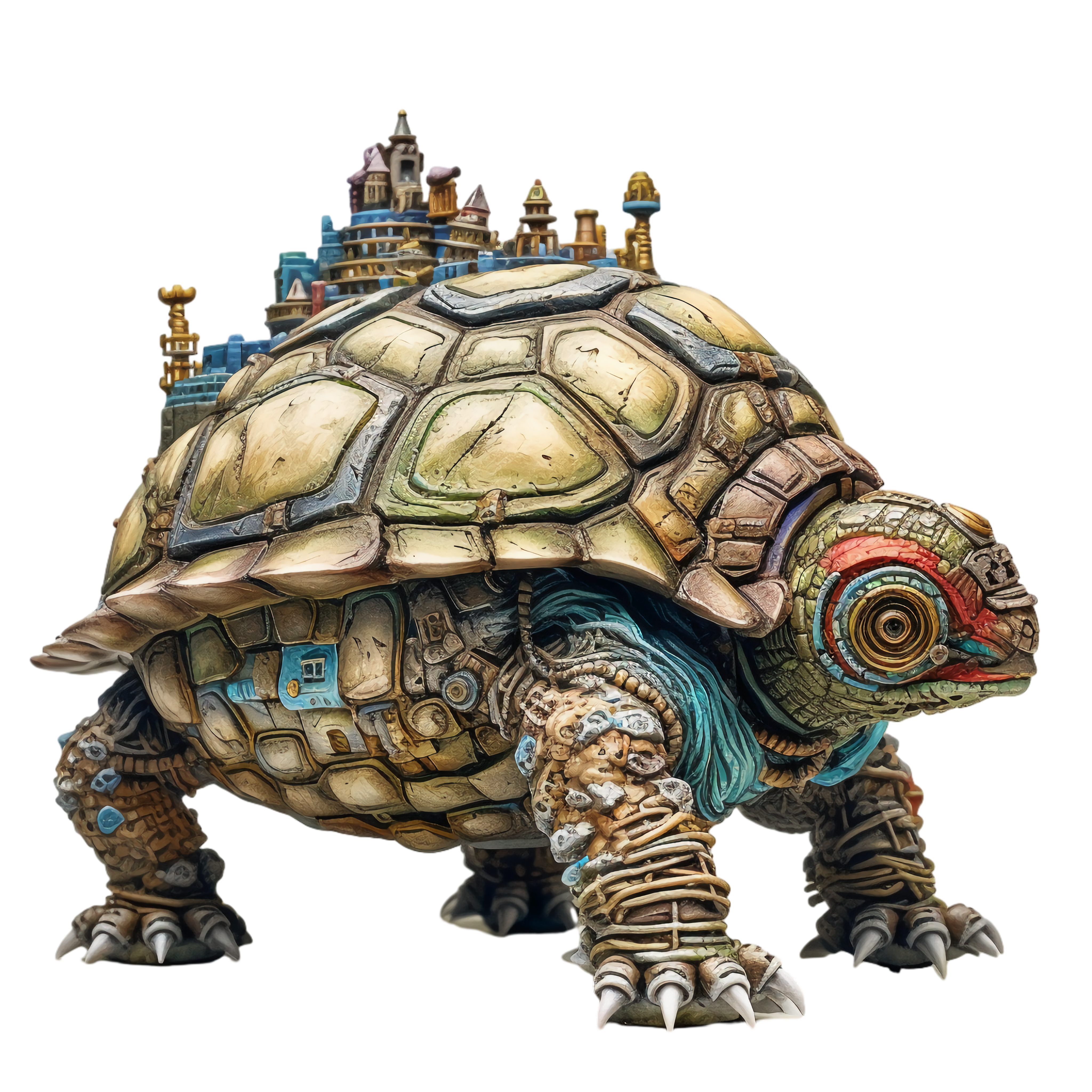
Source photo
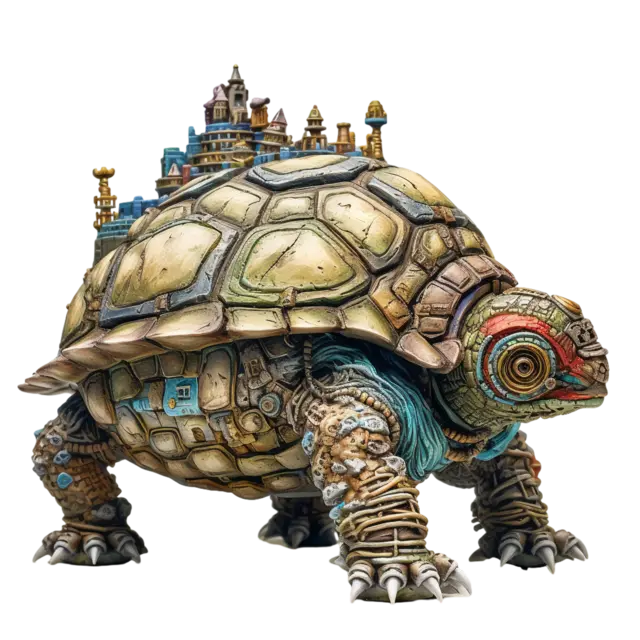
3D GLB / STL output
Ready for dedicated 15–60s Trellis 2 or Multi-View runs with clean downloadable GLB & STL files?
Short answer: In 2026, you can turn a single photo into an interactive 3D preview online for free using the no-sign-up public queue on photo3d.org, inspect local .STL meshes and test print sizing right inside the embedded 3D workbench above at zero credits, try a 10-credit Day-1 hosted Hunyuan 3D Rapid Fast run after Google sign-in, and unlock clean native .GLB or print-ready .STL exports with pay-once packs starting at $14.90 (200 credits), $39 (1,600 credits), or $49 (1,700 credits, 365-day validity).
Most people searching for an "image to 3d model ai free online" workflow hit one of two walls. Either a site demands a recurring monthly subscription card before you ever see how your photo reconstructs in three dimensions, or a fragile research demo times out and drops a jagged, untextured mesh that breaks inside Blender or Bambu Studio. This 2026 guide explains how single-image 3D reconstruction actually works, where the honest free-versus-paid boundary sits, how to prepare your source photo so the very first run succeeds, and how to move smoothly from a browser preview to production .GLB or .STL delivery without paying for idle monthly subscriptions.
How modern AI image-to-3D reconstruction works in 2026
Older photogrammetry forced you to walk around a stationary subject taking 40 to 120 overlapping frames, followed by heavy desktop reconstruction. Modern single-image 3D neural generators take a fundamentally different path. Architectures such as Trellis 2, Hunyuan 3D v2 / v3.1, Tripo3D, and Rodin predict both volumetric shape and physically based rendering (PBR) appearance directly from a single RGB photograph.
Inside a typical 2026 hosted pipeline, three sequential stages finish in 15 to 60 seconds on a dedicated GPU:
- Foreground segmentation and lighting normalization: The pipeline isolates the foreground subject from background clutter and neutralizes harsh directional shadows so they do not bake permanently onto the albedo map.
- Coarse-to-fine 3D latent synthesis: A structured 3D representation (sparse latent voxels, triplanes, or signed distance fields) reconstructs the visible front contours and infers the unseen back and underside from learned shape priors.
- Mesh extraction, optional remeshing, and PBR baking: Marching cubes or flexicubes converts the latent surface into triangles, cleans internal folds when Remesh is enabled, and projects base color, roughness, and metallic maps into a portable binary
.GLBfile.
Because the hidden back is inferred rather than directly photographed, source image discipline beats every prompt trick. A crisp single photo against a plain matte backdrop consistently outperforms an expensive flagship model fed a blurry, cropped snapshot.
Free vs paid image-to-3D options: the honest 2026 boundary
Knowing exactly what runs free forever—and what genuinely requires dedicated cloud GPU compute—eliminates signup fatigue and surprise renewals.
| Capability | Free Browser & Public Queue on Photo3D | Hosted Pay-Once Studio on Photo3D | Recurring Subscription Suites |
|---|---|---|---|
| Account required | None for 3D workbench, 50+ local tools & public queue | Free Google account (10 Day-1 starter credits) or pay-once checkout | Mandatory account + recurring card |
| Interactive 3D browser preview | Free orbit, wireframe, normals & slicer preflight | Free orbit & zoom before exporting | Varies by tier |
| Local GLB / STL / 3MF conversion | Free (0 credits, 100% browser-local) | Free (0 credits, 100% browser-local) | Often gated or plugin-only |
| Dedicated fast GPU queue | Shared best-effort public GPU | Dedicated 15–60s hosted lanes | Priority tied to monthly plan |
Native clean .GLB & .STL export | Preview & local inspection free; packs unlock export | Included with STL ($14.90), Try ($19.99), Maker ($39), Plus ($49 / 1,700 cr) | Monthly credits expire every cycle |
| Auto-renewal risk | None | Zero auto-renewal on all pay-once packs | Bills monthly until canceled |
On photo3d.org, the pricing and feature boundary is completely transparent:
- 50+ local browser utilities stay 0 credits forever: Use the embedded Interactive 3D Mesh Workbench above—or standalone tools like GLB Inspector, 3D Format Converter, Model Scale Calculator, and Print Readiness Checker—without uploading a single byte.
- Public 3D queue previews need zero login: Switch to the Photo Queue tab above or open image-to-3d-model-free to check whether your silhouette holds together before spending anything.
- Day-1 hosted starter lane: Google sign-in grants 10 starter credits (email sign-in grants 0 to prevent disposable-email abuse), which covers one complete Hunyuan 3D Rapid Fast (10 credits) hosted test immediately.
- Transparent hosted credit lanes: Every lane prints its exact cost up front—
10 crHunyuan Rapid Fast,100 crHunyuan v2 Mini,160 crdefault Trellis 2,220 crTrellis Multi-View, and375 crHunyuan 3D v3.1 Pro. Pick the Printable STL Pack ($14.90 / 200 cr, 30d) for one print, the Maker Pack ($39 / 1,600 cr, 90d) for up to 10 Trellis 2 meshes at ~$3.90 each, or the Plus Pack ($49 / 1,700 cr, 365d) if you create models across an entire year.
Five photo preparation rules that double 3D mesh quality
Before uploading any photo into an AI image-to-3D generator, apply these five rules:
- Keep 100% of the subject inside the frame. Cropped boots, clipped ears, or cut-off handles force the neural model to invent abrupt flat caps. Leave at least 10% empty margin on all four edges.
- Shoot at a 20–35 degree three-quarter angle. A slight turn exposes front detail and side depth simultaneously, cutting thickness distortion roughly in half compared to a dead-on passport angle.
- Maximize foreground-to-background contrast. Never shoot a dark shoe on a dark rug or a white figurine against white drywall; use plain matte contrast paper or a neutral desk.
- Use soft diffused daylight instead of camera flash. Direct flash burns bright white specular patches straight onto the 3D color texture. Window light on a cloudy afternoon produces clean, relightable PBR surfaces.
- Avoid clear glass, mirror chrome, and tangled wires. Refractive transparency and floating hair strands create noisy floating fragments across every 2026 single-image generator. Solid matte objects—figurines, shoes, toys, furniture, ceramic goods—reconstruct sharpest.
If your photo has a cluttered room behind the subject, clean the backdrop first or generate a clean turnaround reference with our AI Image Generator before running AI 3D Studio.
Step-by-step workflow from single photo to verified 3D output
Step 1: Preflight sizing and test your silhouette free
Start inside the 3D Workbench embedded above to benchmark how figurines, Shopify products, miniatures, or mechanical parts behave at your exact target millimeter height, nozzle size, and Shopify <15 MB GLB budget. Then switch to the Photo Queue tab (or visit the Photo3D homepage) to preview your own image with zero sign-up. Inspect three critical areas immediately:
- Rear surface continuity: Spin 180 degrees to verify inferred rear volume matches front proportions.
- Thin appendages and overhangs: Check ears, straps, fingers, and handles for paper-thin pinch zones.
- Footprint flatness: For physical 3D prints, verify whether the base sits level or needs a
0.5 mmbottom cut in your slicer.
Step 2: Run hosted Trellis 2 or Multi-View for production meshes
Once your silhouette passes visual review, open AI 3D Studio or Photo to STL Studio:
- Pick Hunyuan 3D Rapid Fast (10 credits) for instant Day-1 shape validation.
- Pick Trellis 2 (160 credits) for crisp single-image edges and sharp PBR textures.
- Switch to Trellis Multi-View (220 credits) with 2–4 photos whenever logos, pockets, or character capes on the back must match reality.
- Toggle Remesh on when exporting to Blender, Unity, or Bambu Studio.
Step 3: Scale, inspect, and convert locally at 0 credits
After downloading your native .GLB:
- For 3D printing, open Photo to STL or GLB to STL, set exact millimeter height (
100 mmdesk figurine or32 mmresin miniature), confirm wall safety, and export binary.STL. - For Shopify or Web AR, inspect triangle counts and embedded texture resolution in GLB Inspector to keep file weight in the 3–8 MB sweet spot.
Compare your exact project budget in the Cost Compare tab above or view all packs on Pricing. For deeper print instructions, read our Photo to 3D STL step-by-step guide.
Frequently Asked Questions
Can I turn an image into a 3D model completely free online?
Yes for interactive 3D browser previews, local STL/GLB inspection tools, and Day-1 rapid starter checks. On photo3d.org, you can test photos in the no-sign-up public 3D queue, use 50+ browser utilities at 0 credits, and run a 10-credit Hunyuan 3D Rapid Fast check on Day-1 Google sign-in. Production Trellis 2 GLB and binary STL downloads unlock with pay-once credit packs starting at $14.90.
Which image formats work best for AI image-to-3D tools?
Sharp PNG, JPG, and WebP photos between 768px and 2048px on the longest edge produce the cleanest geometry. Avoid heavy compression artifacts, tiny thumbnails, or watermarks overlapping the silhouette.
What is the difference between GLB and STL when exporting from a photo?
GLB preserves both 3D geometry and full PBR color textures for Blender, Unity, Unreal Engine, and Shopify 3D viewers. Binary STL stores pure triangle geometry without textures for 3D printer slicers such as Bambu Studio, PrusaSlicer, and Cura.
How many credits does a single hosted photo-to-3D model use?
Every hosted lane prints its exact credit price before you run: 10 credits for Hunyuan 3D Rapid Fast, 100 credits for Hunyuan 3D v2 Mini, 160 credits for default Trellis 2, 220 credits for Trellis Multi-View, and 375 credits for Hunyuan 3D v3.1 Pro.
Which Photo3D pay-once pack lasts a full year without auto-renewal?
The Try Pack ($19.99 / 500 credits), Plus Pack ($49 / 1,700 credits), and Pro Pack ($199 / 7,000 credits) all carry 365-day validity with zero recurring subscription charges.
What if a hosted 3D generation fails or produces an error?
Failed hosted runs restore credits with their original validity preserved, and billing or task issues are reviewed under the published Photo3D Refund Policy via support@photo3d.org.
Next Steps on Photo3D