
Best Image to 3D AI Tools Compared: Photo3D vs Meshy vs Tripo vs Hunyuan (2026)
Compare Photo3D, Meshy, Tripo AI, and Hunyuan 3D in 2026 across mesh sharpness, GLB and STL export paths, pay-once packs vs subscriptions, and free tools.
TL;DR · Direct Answer (Verified 2026-11-25)
STL $14.90 · Maker $39 · Plus $49 (1,700 cr)Choose Photo3D when you want pay-once credit packs ($14.90 STL, $39 Maker / 1,600 cr, $49 Plus / 1,700 cr / 365d), multi-engine choice (Trellis 2 + Hunyuan 3D + Multi-View), and 50+ 0-credit STL/GLB browser tools. Choose Meshy or Tripo monthly plans only if you ship 30+ rigged game assets every month.
Inspect a 3D Mesh, Compare Pay-Once Cost, or Test Your Photo
Spin 4 built-in 3D presets or drop a local .stl for instant print-time, wall-thickness, and Shopify GLB checks — then switch tabs to compare pay-once packs vs subscriptions.
Live Slicer & Web AR Preflight
Mesh & Print-Readiness Inspector
- Triangles
- 14,820
- Bounding Box
- 72×62×120 mm
- Est. Print Time
- 17h 42m
- Material & Cost
- 71 g · $1.56
One-Time vs Subscription Cost Calculator (2026)
Photo3D Pay-Once Packs vs Meshy & Tripo Monthly Plans
1. Hosted 3D Engine Lane
2. Total 3D Models Needed
3. Project Span (Months)
Exact Live Pack Ladder
- • STL Pack: $14.90 · 200 cr (30d)
- • Maker Pack: $39 · 1,600 cr (90d)
- • Plus Pack: $49 · 1,700 cr (365d)
- Credits required:
- 1,600 cr (pack fits up to 10)
- Meshy Pro ($20/mo × 6m):
- $120
- Tripo Pro ($19.90/mo × 6m):
- $119.40
- Est. savings vs monthly:
- Save $71.00
Includes 0-credit local GLB→STL conversion, mm scaling, and failed-run credit protection. Confirm competitor stickers live.
Best Image to 3D AI Tools Compared: Photo3D vs Meshy vs Tripo vs Hunyuan (2026)
Output
Active queue IDs stay in this browser until the job finishes or expires.
No queued output yet
Start a public queue job. The result appears here by itself when the model finishes.
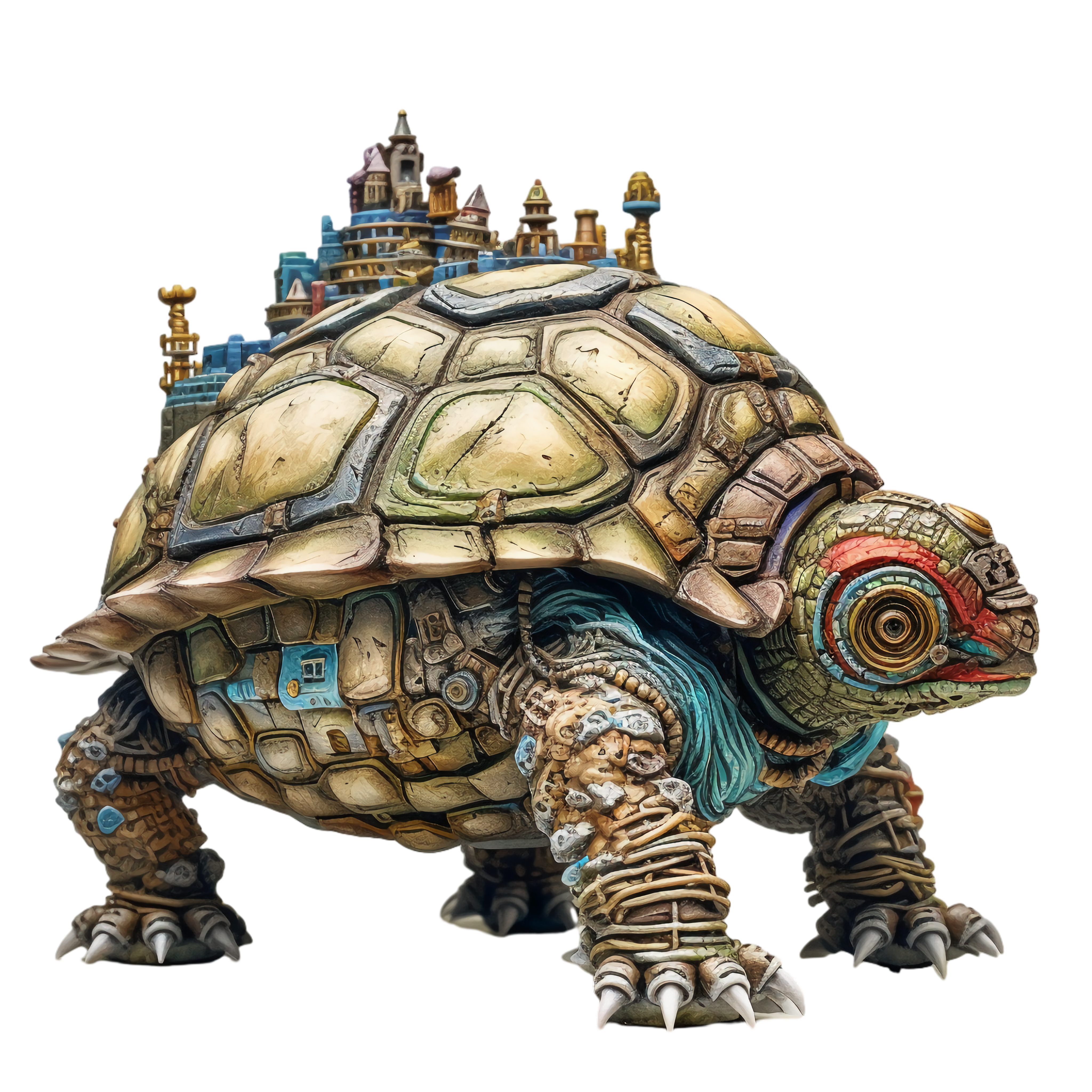
Source photo
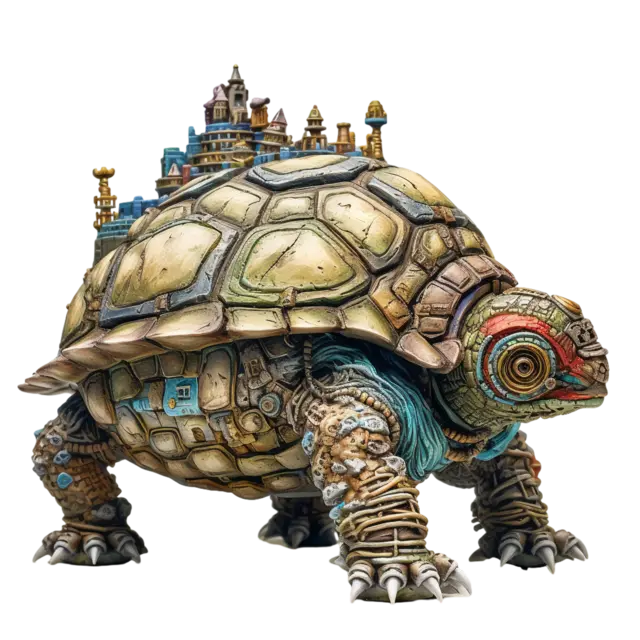
3D GLB / STL output
Ready for dedicated 15–60s Trellis 2 or Multi-View runs with clean downloadable GLB & STL files?
Short answer: Pick Photo3D when you want pay-once credit packs ($14.90 STL / $39 Maker / $49 Plus with 1,700 credits valid 365 days) with zero subscription lock-in, multi-engine switching (Trellis 2 + Hunyuan 3D + Multi-View), and 50+ free local GLB/STL browser utilities; pick Meshy or Tripo when your studio ships dozens of rigged assets every single month; pick self-hosted Hunyuan 3D locally only if you already run a 24GB+ VRAM NVIDIA GPU workstation.
In 2026, AI image-to-3D quality is strong enough that indie game artists, Shopify brands, and desktop 3D printer owners use single photos for real commercial work. Yet billing models, export cleanliness, credit expiration rules, and post-processing friction differ sharply across platforms. This side-by-side comparison strips away hype and matches each tool's actual workflow and pricing structure to your real project volume.
2026 Side-by-Side Comparison Matrix
Always verify live subscription promo banners directly on each vendor's pricing page; the structural comparison below reflects how each platform operates in late 2026.
| Criterion | Photo3D (photo3d.org) | Meshy AI | Tripo AI | Local Hunyuan 3D (Self-Hosted) |
|---|---|---|---|---|
| Primary money shape | Pay-once packs ($14.90 STL / $19.99 Try / $39 Maker / $49 Plus 1,700 cr) + optional plans | Monthly / annual recurring subscription (credits reset monthly) | Monthly / annual recurring subscription (tiered monthly pools) | Free weights, high local GPU hardware & setup cost |
| Multi-engine choice | Hunyuan Rapid (10 cr), Hunyuan Mini (100 cr), Trellis 2 (160 cr), Multi-View (220 cr), Hunyuan v3.1 Pro (375 cr) | Meshy proprietary engines only | Tripo proprietary engines only | Hunyuan 3D open weights only |
| Free preview boundary | No-login public 3D queue + 3D workbench + 10 Day-1 Google starter credits | Monthly free tier (CC BY 4.0 attribution on free outputs) | Monthly free tier (lower queue priority & license limits) | Unlimited runs on your own GPU |
| 3D printing STL pipeline | Built-in Photo to STL mm slicer calculator + Relief mode + 0-credit converter | General mesh export; scaling & slicer prep done externally | General mesh export; scaling & slicer prep done externally | Manual Python / Blender post-processing |
| Built-in browser utilities | 50+ free local tools (Workbench, GLB Inspector, Scale Calc, 3D Converter, Print Checker) | Web studio focus; DCC plugins on paid plans | Web studio focus; rigging/retopology on higher tiers | None (CLI / ComfyUI / Blender) |
| Best buyer profile | Makers, 3D printers, Shopify sellers, occasional & batch studios | High-volume game studios needing animation & monthly suite | Game/character teams needing rapid rigging & monthly quota | ML engineers with RTX 4090 / H100 pipelines |
Geometry sharpness and texture fidelity
All four platforms generate strong front silhouettes from clean studio photos. The real difference surfaces when you inspect three stress points:
- Hard-surface edges (footwear, furniture, electronics, props): Trellis 2 (160 credits) inside AI 3D Studio produces sharp beveled edges and crisp planar transitions without the soft "melted wax" appearance common on older neural generators.
- Organic characters, pets, and miniatures: Hunyuan 3D v3.1 Pro (375 credits)—accessible directly inside Photo3D's browser workspace without touching CUDA or Python—excels at cloth folds, fur volume, and anatomical proportions.
- Rear-side accuracy: Single-image engines still infer unseen backs. Whenever back detail matters—such as product branding or figurine backpacks—Photo3D's Trellis Multi-View (220 credits) accepts 2 to 4 reference views, eliminating back-side guesswork without requiring 60-photo photogrammetry.
The hidden math: Pay-once packs vs recurring subscriptions
The #1 regret among first-time 3D buyers is signing up for a $20/month subscription to print three custom gifts or convert eight Shopify products, forgetting to cancel, and paying $120+ over six months while unused monthly credits wipe back to zero every 30 days.
Use the interactive Cost Compare tab in the tool suite above to test your exact numbers across three common project sizes:
- Scenario A — Single custom figurine or replacement part (1–2 models): On Photo3D, the Printable STL Pack ($14.90 / 200 credits, 30d) pays once, covers a full 160-credit Trellis 2 run, unlocks clean
.GLBand.STLdownloads, and never auto-renews. - Scenario B — Etsy gift batch or 10-SKU Shopify rollout (8–10 models): The Maker Pack ($39 / 1,600 credits, 90d) brings Trellis 2 cost down to ~$3.90 per model. Spreading those same 10 models across a full year? The Plus Pack ($49 / 1,700 credits, 365-day validity) costs less than 2.5 months of a $20/mo subscription and stays valid all 12 months.
- Scenario C — Full-time game team shipping 50+ rigged characters every month: Here a recurring subscription suite (Meshy Pro/Studio, Tripo Professional, or Photo3D's Pro/Max annual tiers) wins on continuous monthly volume and built-in animation rigs.
Export cleanliness: GLB, STL, 3MF, and local browser tooling
Generating the raw 3D file is only half the job. Downstream platforms enforce strict geometry and byte budgets:
- Shopify & Web AR require binary
.GLBunder 15 MB (3–8 MB ideal) with valid PBR maps—verify locally in the embedded workbench above or GLB Inspector. - Bambu Studio, PrusaSlicer & Cura require millimeter-scaled binary
.STLor.3MF—convert and scale locally with 3D Format Converter and Photo to STL at 0 credits. - Blender & Unity require clean Y-up scale and outward normals—follow our Single Photo to Blender 3D Workflow.
Because every browser utility on photo3d.org executes client-side without deducting credits, you can inspect, scale, convert, and re-export meshes infinitely without hidden download fees.
Decision checklist: which AI 3D tool should you choose today?
- Choose photo3d.org if: You want to test your photo free first, prefer transparent pay-once pricing ($14.90 STL / $39 Maker / $49 Plus 1,700 cr) with zero auto-renewal, want both Trellis 2 and Hunyuan 3D under one roof, or export STL/3MF files for 3D printing.
- Choose Meshy if: You ship 30+ game assets every single month and actively rely on Meshy's Blender/Unity plugins and animation presets.
- Choose Tripo if: Your game pipeline depends on high-volume monthly character generation with integrated auto-rigging.
- Choose self-hosted Hunyuan 3D if: You maintain an on-premise 24GB+ VRAM GPU rig, require air-gapped offline runs, and have engineering time to manage Python, PyTorch, and custom mesh cleanup scripts.
Test your own photo right now in the Photo Queue tab above, run your numbers in Cost Compare, or jump straight to Pricing.
Frequently Asked Questions
Is Photo3D better than Meshy for occasional 3D printing projects?
For 1 to 25 models, Photo3D pay-once packs ($14.90 STL Pack, $39 Maker Pack, or $49 Plus Pack with 1,700 credits and 365-day validity) avoid wasted monthly subscription renewals and include a millimeter slicer calculator and 0-credit GLB-to-STL converter.
Can I run both Trellis 2 and Hunyuan 3D on Photo3D without installing anything?
Yes. Inside AI 3D Studio, you can switch between Hunyuan 3D Rapid Fast (10 cr), Hunyuan 3D v2 Mini (100 cr), Trellis 2 (160 cr), Trellis Multi-View (220 cr), and Hunyuan 3D v3.1 Pro (375 cr) from one browser workspace.
Do free Meshy or Tripo outputs have commercial restrictions?
Free tiers on major 3D suites commonly apply CC BY 4.0 attribution or non-commercial rules and lower queue priority; always confirm each vendor's live Terms of Service.
Why does Photo3D keep browser preview free and gate native GLB/STL downloads?
Keeping browser 3D viewport previews free lets you verify silhouette quality before spending money, while pay-once packs cover dedicated GPU compute and unlock clean .GLB and .STL exports.
How much VRAM do I need to self-host Hunyuan 3D or Trellis 2 locally?
Full-resolution local inference with texture baking typically requires 16GB to 24GB+ NVIDIA VRAM plus CUDA/PyTorch setup, whereas hosted lanes run in 15–60 seconds in any browser.
Next Steps on Photo3D